CLI-first
A Typer-based command line for managing places, trips, projects, and renders.
idrisi
A Python toolbox that renders maps from your photos and itineraries.
pip install idrisi Idrisi turns a list of places — typed in, imported from a Photos album, or assembled interactively — into a rendered map you can print, share, or keep for yourself. It's a CLI, a Python library, and a local web UI, in that order of emphasis.
A Typer-based command line for managing places, trips, projects, and renders.
Read a Photos.app album and cluster geotagged shots into logical stops with DBSCAN.
Travel maps, region maps, and route maps — each tuned for a different story.
YAML-defined styles change colors, fonts, and decorations without touching code.
Hack on the primitives. Every CLI command is thin glue over documented services.
`idrisi serve` spins up a FastAPI + Svelte UI for editing projects interactively.
Two common entry points — a full programmatic path and an interactive path.
# 1. Install
pip install idrisi

# 2a. Import a macOS Photos album and render it (macOS only)
idrisi album import "Japan 2024"
idrisi render "Japan 2024" --style default

# 2b. Or launch the interactive web UI
idrisi serve
# → http://localhost:8080
See the full docs on GitHub for the CLI reference, map types, and style options.
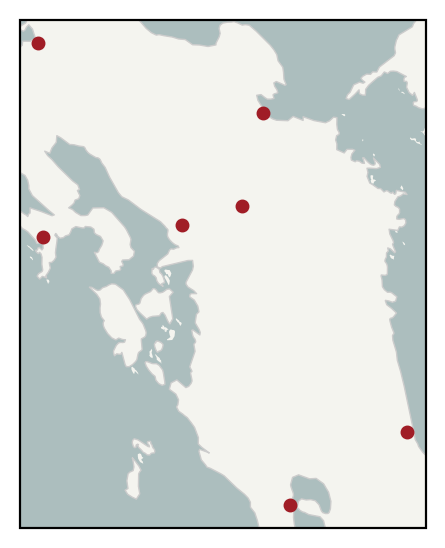
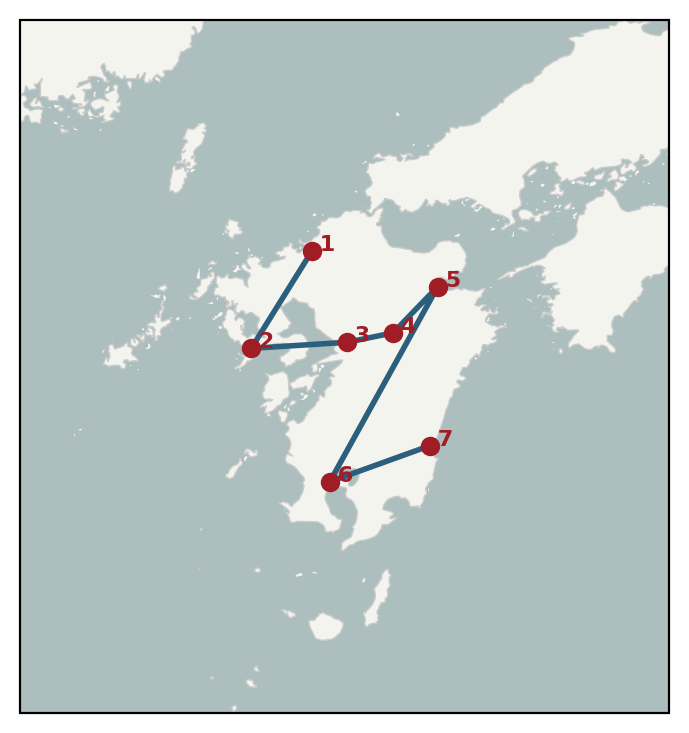
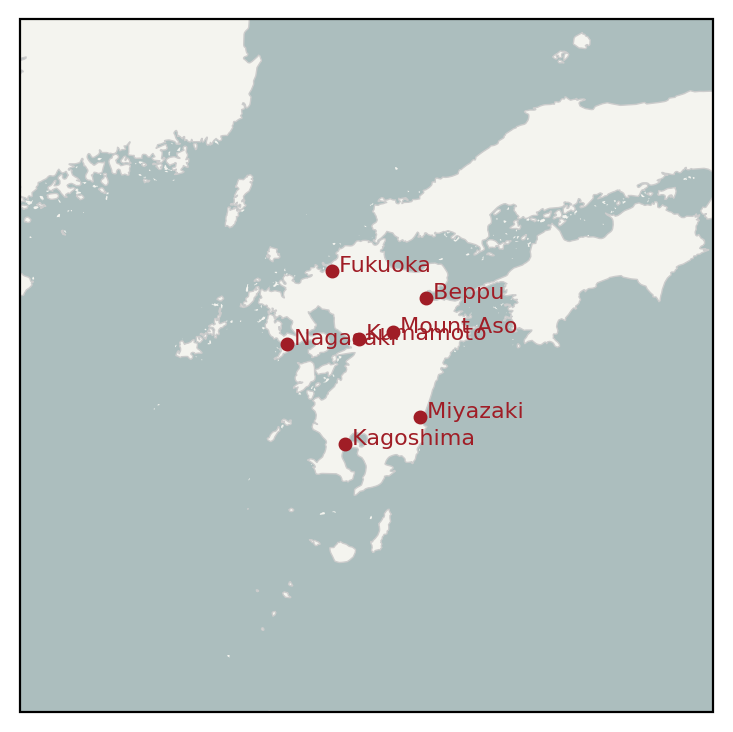
A seven-stop Kyushu loop rendered three ways.